Most WooCommerce stores don't have a traffic problem, they have a conversion problem. Small friction points in the checkout flow, product pages, and page speed add up to lost sales that are easy to miss unless you go looking for them. Here are the changes I make first when optimizing a client's store.
Speed Up Your Store First
Before touching layout or copy, fix your load times. Use a caching plugin, compress product images, and choose a lightweight theme. Every extra second of load time is a percentage of visitors who leave before they even see what you're selling.
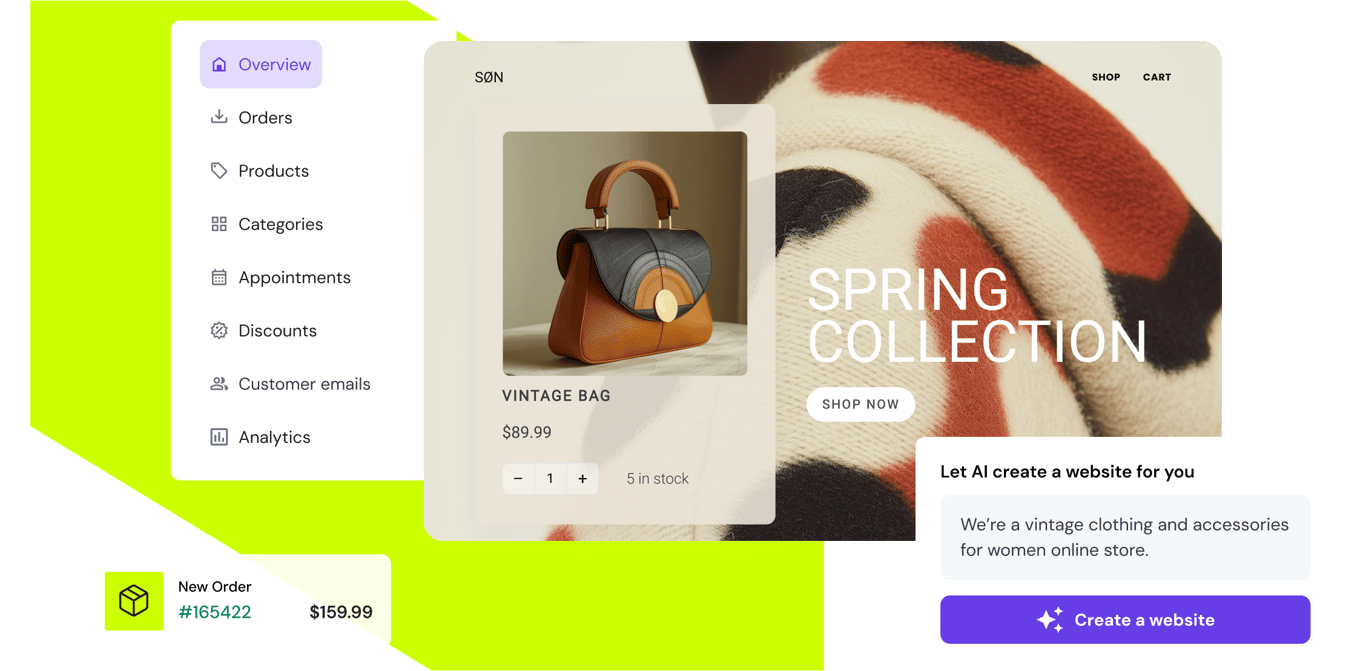
A fast, simple checkout is usually the single highest-leverage change you can make to a WooCommerce store.
8 Changes Worth Making
- Simplify checkout to a single page
Every extra step in checkout is a chance for a customer to abandon their cart. A one-page checkout with clear fields reduces that drop-off.
- Show trust signals near the buy button
Security badges, clear return policies, and real customer reviews next to the add-to-cart button reduce last-minute hesitation.
- Optimize product images without losing quality
Compress and lazy-load images so product pages load fast while still looking sharp on both desktop and mobile.
- Display accurate stock and shipping estimates
Customers convert faster when they know exactly when an item ships and whether it's actually in stock.
- Enable guest checkout
Forcing account creation before purchase is one of the most common reasons shoppers abandon their cart.
- Add related and upsell products on the cart page
Relevant suggestions at the cart stage increase average order value without disrupting the checkout flow.
- Set up abandoned cart recovery emails
A well-timed reminder email recovers a meaningful percentage of otherwise lost sales.
- Offer the payment methods your market actually uses
Limited or unfamiliar payment options at checkout is an easy way to lose a sale that was otherwise ready to close.
Track What Actually Changes Conversions
Don't guess. Use analytics and, where possible, A/B test changes one at a time so you know what's actually driving improvement. It's tempting to redesign everything at once, but that makes it impossible to tell what worked.
Frequently Asked Questions
Which of these changes should I make first?
Start with site speed and checkout simplification. They're the two changes most likely to have an immediate, measurable impact on conversion rate, and they benefit every visitor regardless of what they're shopping for.
Do I need a developer to make these changes?
Some, like enabling guest checkout or installing a caching plugin, can be done without code. Others, like customizing the cart page for upsells or fixing deeper speed issues, are easier and safer with a developer's help.
How long before I see results from these changes?
Speed and checkout changes often show measurable impact within a few weeks of consistent traffic. Give any single change enough time to gather meaningful data before deciding whether it worked.
Can you audit my WooCommerce store and implement these changes?
Yes. I regularly audit WooCommerce stores for performance and conversion issues, then implement fixes directly, from speed optimization to checkout and cart improvements.
Conclusion
None of these changes are dramatic on their own, but together they remove the small points of friction that quietly cost stores real revenue. Start with speed and checkout simplicity, since those tend to have the biggest impact, then work through the rest based on what your analytics show.